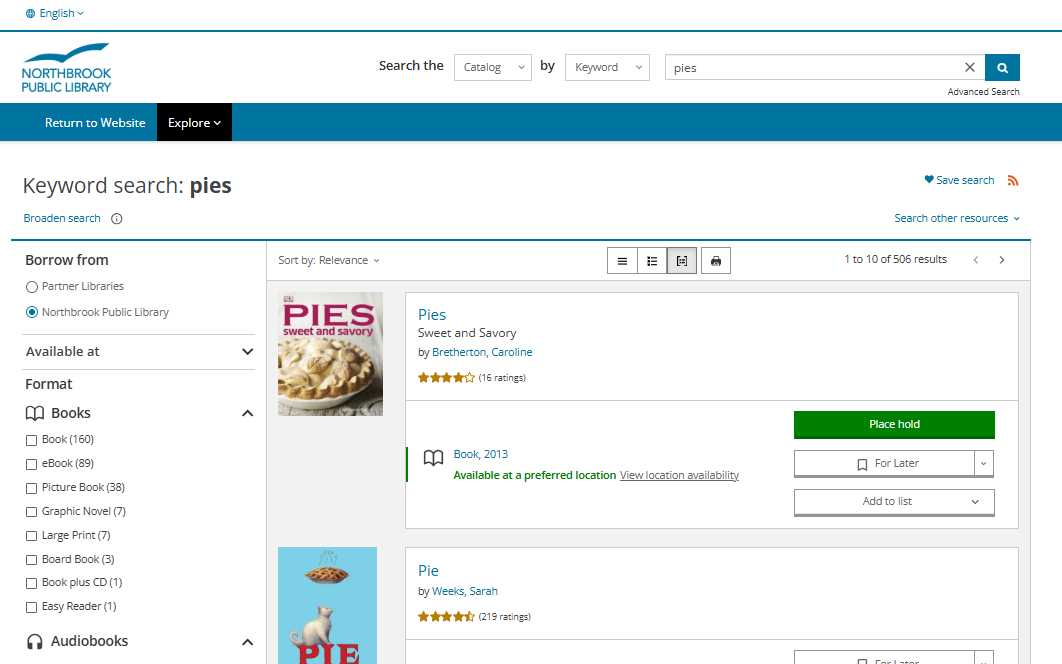
We're excited to announce that our new BiblioCore catalog is now live on our website. The design and layout may feel different at first, but familiar actions, like searching, placing holds, and managing your account, will work much the same as in the past.
Here are just some of the benefits of our new catalog:
- A more powerful keyword search and simplified search results that group different formats of the same title
- Improved accessibility and a cleaner, more intuitive interface across devices
- Easier browsing to discover materials, including expertly curated booklists
- The ability to contribute reviews, ratings, and comments
You can access our new catalog using the search bar at the top of our website, or access it directly here: northbrookpl.bibliocommons.com
Get started with our new BiblioCore catalog
- Since this is a new system, you will be prompted to complete a brief, one-time registration process the first time you log in using your library card number and password.
- After you register, you can log in using either your library card number or your username. Your password will remain the same unless you change it. (If you've never changed your password, it should be the last four digits of the phone number you used when you signed up for your library card.)
- Once you create your new login, you can access your account, place holds, renew materials, etc.
Other helpful information
View or print "Logging In and Getting Started with Our New Catalog" (PDF)
Watch these short training videos
Need More help?
For help with the new catalog or your account, please call 847-272-6224 to speak with someone who can answer your questions or email us at feedback@northbrook.info.